We added the following options to the grading portal.
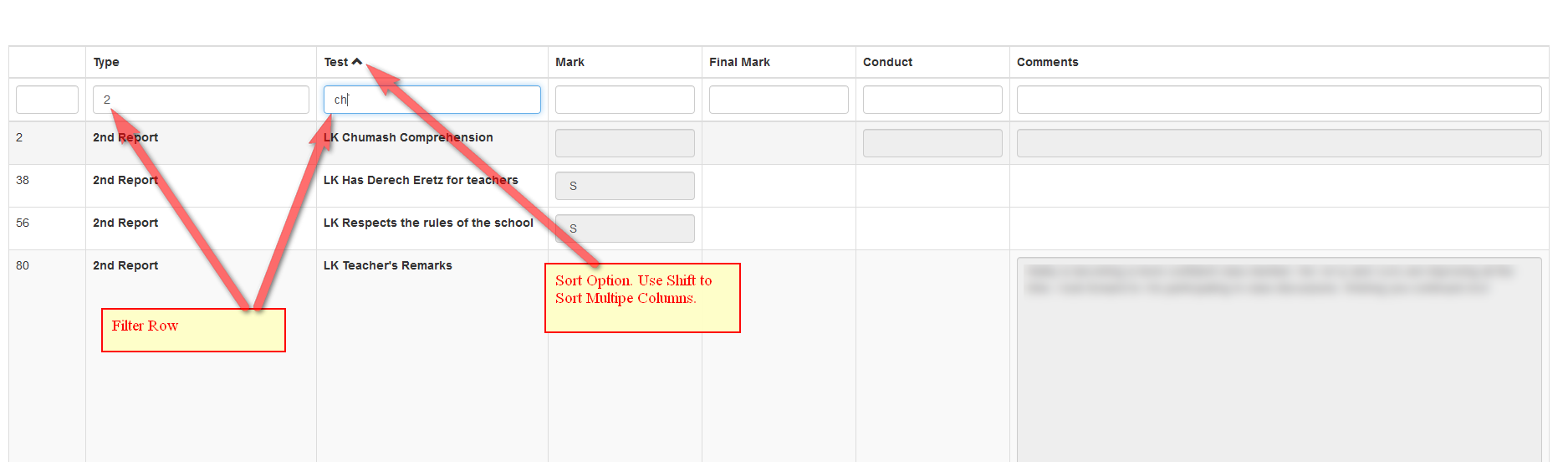
- Ability to sort the columns. To sort multiple columns hold down the shift button.
- Ability to filter records. Just start typing any letter in the filter row and it will filter it.
- Header row will be visible even after you scroll down.
- Final grade column can be added to the web interface.
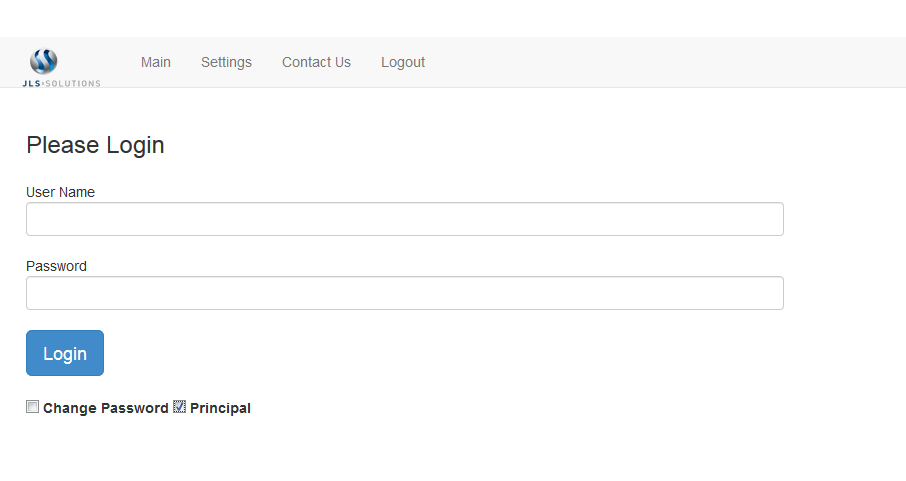
- A login for the principal to view all records in there location as discussed here (https://jlssolutions.com/QA/4432/superuser-whereby-administrator-division-interface-logging).
- User can change the setting without a password. It will only affect their current session until they logout.
- Admin can change the settings only with a password. You need to call support to get the password.